
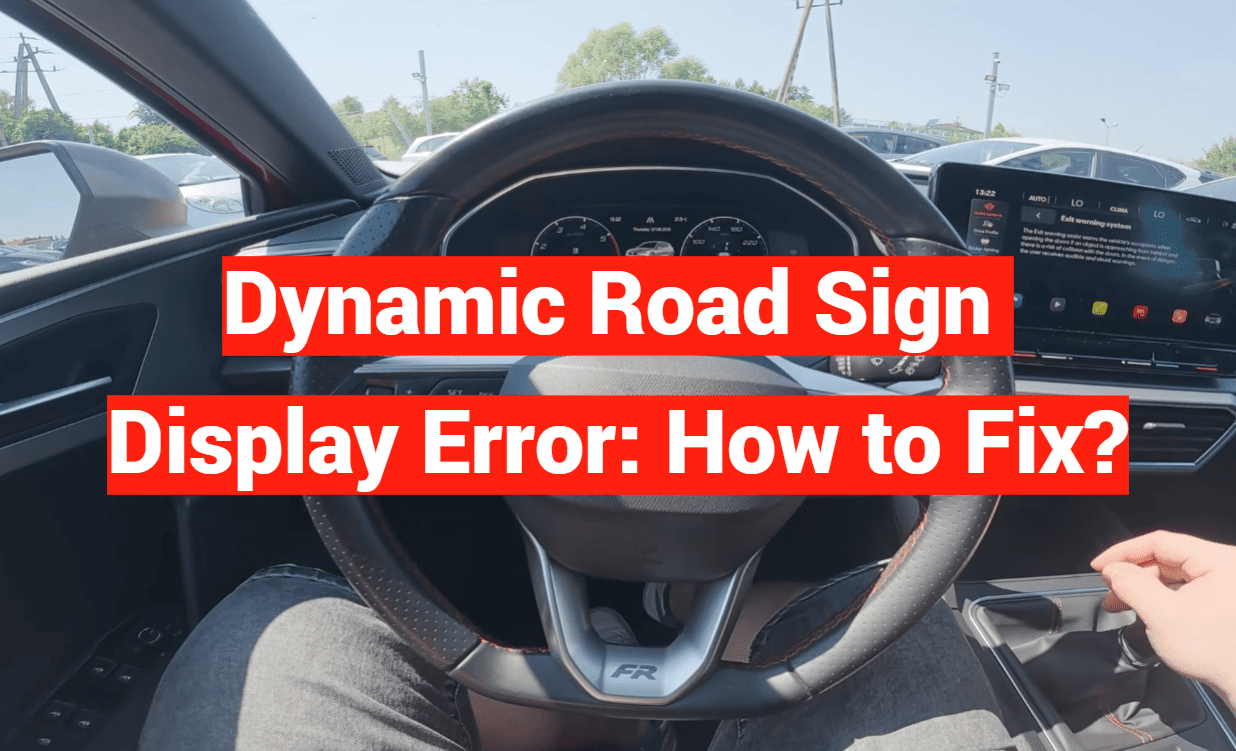
Imagine driving your car and suddenly a warning pops up. Your vehicle’s system that reads traffic information has a glitch. This is a surprisingly common issue for many drivers today.
Modern cars come with advanced tech to help you drive. These systems scan and show important traffic details on your dashboard. When they fail, it can be confusing and frustrating.
The problem might happen at the worst time. You could hear a beep or see a message. Sometimes, the system stops working completely. This prevents you from seeing vital information while on the go.
But don’t worry. This guide is here to help you. We will walk you through fixing this car issue step by step. Most fixes are simple and don’t need a mechanic.
You will learn what causes the problem. We cover how to identify your specific vehicle’s issue. Then, we provide easy troubleshooting steps you can try yourself.
We also include maintenance tips and when to call a professional. Our advice mixes real user stories with official info. This gives you the best solutions.
Understanding the root cause is your first step to a fix. Let’s get started and solve this problem together.
Key Takeaways
- This issue is a frequent occurrence in modern vehicles with driver-assistance tech.
- A malfunction can prevent important traffic information from showing on your dashboard.
- Warning signals like beeps or messages often accompany the system failure.
- Many situations can be resolved with simple, do-it-yourself troubleshooting steps.
- Identifying the specific cause is crucial for applying the correct solution.
- Regular maintenance can help prevent this problem from happening.
- Knowing when to seek professional help is important for complex cases.
Understanding Dynamic Road Sign Display Technology
Today’s automobiles feature intelligent systems that scan and interpret roadside information automatically. This advanced driver assistance feature helps drivers stay informed about current traffic regulations.
How the System Operates in Modern Vehicles
The technology uses a front-facing camera mounted near your rearview mirror. This camera continuously scans ahead for traffic information. It captures visual data and sends it to your car’s computer.
The computer processes this information in real-time. It compares the camera data with map information from your infotainment system. This verification process ensures accuracy.
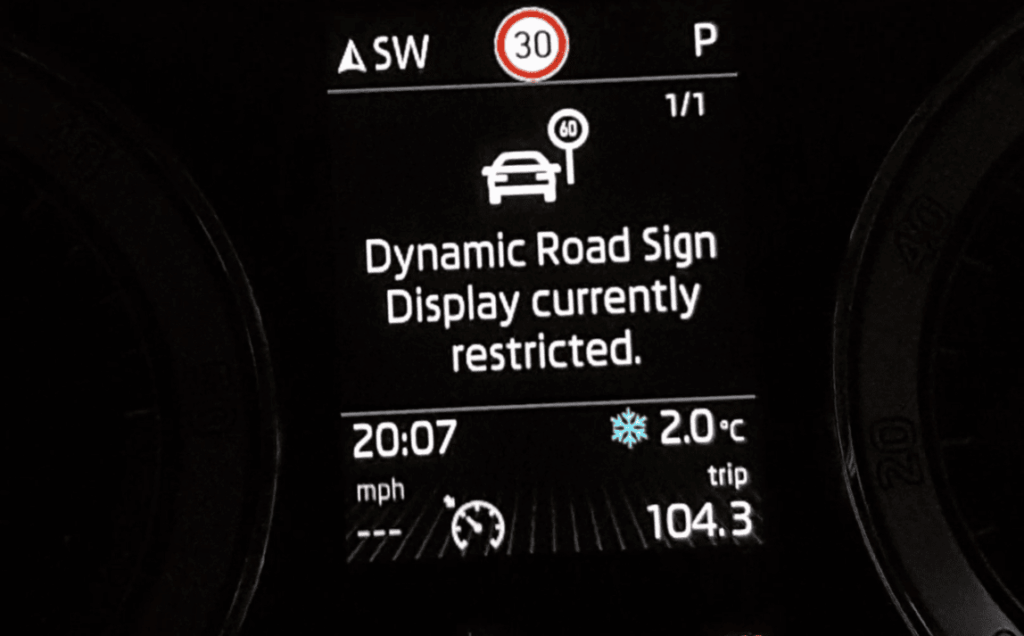
Your vehicle shows up to two valid traffic signs simultaneously. The main position displays the currently applicable regulation. The secondary spot shows supplementary details like passing restrictions.
System Limitations and Error Messages
This assistance feature activates automatically when you start your car. It works within specific operational boundaries. The technology may not detect every sign in certain conditions.
Poor weather, obstructed views, or compromised camera visibility can affect performance. The system serves as a helpful aid but doesn’t replace driver awareness. Always observe actual roadside regulations as your primary guide.
| System Capability | Operational Limitation | Driver Action Required |
|---|---|---|
| Real-time sign recognition | Reduced accuracy in heavy rain | Manual verification needed |
| Dual sign display | May miss temporary signs | Stay alert for construction zones |
| Automatic activation | Camera requires clear view | Keep windshield clean |
| Map data integration | Updates needed periodically | Schedule system maintenance |
Understanding how this technology works helps you use it effectively. Knowing its boundaries ensures you maintain proper driving awareness at all times.
Identifying the dynamic road sign display error
Your car communicates system malfunctions through distinct error messages that provide clues about the underlying issue. Recognizing these alerts helps you determine the appropriate solution.
Recognizing Error Messages and Troubleshooting Symptoms
The most common warning is “Error: Dynamic Road Sign Display” appearing on your dashboard. This serious message often comes with a beep sound. It indicates a complete system failure requiring attention.
Other alerts like “No road signs available” might not signal a real problem. This message can mean the system is still starting up. Or it simply hasn’t detected any traffic information in your area.
Some drivers experience the infotainment system rebooting repeatedly during drives. The system may become unresponsive to button presses. These symptoms point to deeper software or hardware issues.
Common Triggers: From Software Glitches to Hardware Issues
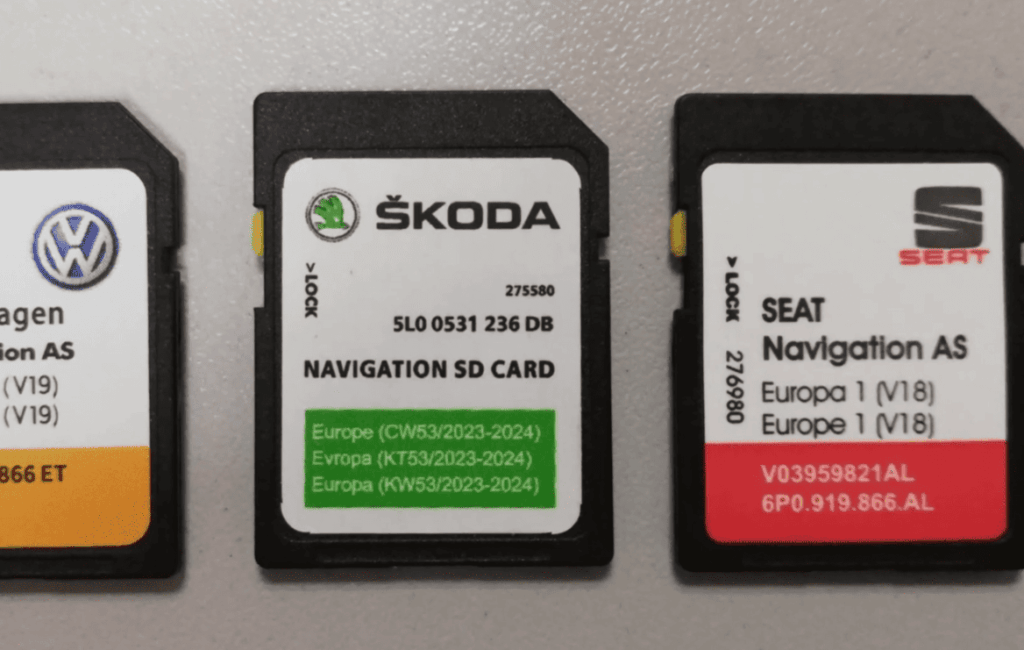
Software problems often cause these errors. Outdated map data or corrupted files can disrupt the recognition feature. Recent system updates sometimes introduce bugs that affect performance.
Hardware faults are another common source. Camera misalignment or damaged wiring prevents proper sign detection. One documented case showed the problem appearing after windshield replacement work.
Understanding whether your issue is software-based or hardware-related is crucial. This determines if you can fix it yourself or need professional help. The timing of error appearances can also provide important clues.
Troubleshooting Common Issues
If your car’s system for detecting traffic signs isn’t functioning correctly, there are several basic checks you can perform before seeking professional help. Many problems can be resolved with simple maintenance steps that don’t require technical expertise.
Cleaning the Windscreen and Camera Area
Start with the simplest solution: thoroughly clean your windscreen. The camera typically sits near your rearview mirror. Dirt, dust, or water spots can block its view.
Use automotive glass cleaner and a microfiber cloth. Pay special attention to the area directly in front of the camera. Clean both interior and exterior surfaces for optimal clarity.
Weather conditions like heavy rain or fog can temporarily affect performance. Also check for obstructions like toll tags or air fresheners that might block the camera’s line of sight.
Verifying Infotainment System and Map Data
Next, check your infotainment system. Outdated software can cause communication problems between components. Look for available updates in your system menu.
Confirm that current map data is loaded. The recognition feature relies on this information to verify detected signs. If you’ve traveled to new areas, updating maps might resolve the issue.
Try a simple system reset by turning off your vehicle completely. Wait a few minutes before restarting. This can clear temporary glitches causing the problem.
If the issue appeared after windscreen replacement, the camera may need professional recalibration. Even slight misalignment can prevent proper sign recognition.
Practical Fixes and Maintenance Tips
Keeping your vehicle’s driver assistance features functioning optimally requires regular attention and proper care. When issues arise with the traffic recognition system, a methodical approach often resolves most problems.
Step-by-Step Guide to Resolve the Error
Begin with the simplest solutions. Clean your windshield thoroughly, paying special attention to the camera area near the rearview mirror. Use proper automotive glass cleaner for best results.
Next, perform a system restart by turning off your car completely. Wait several minutes before restarting. This can clear temporary glitches causing the malfunction.
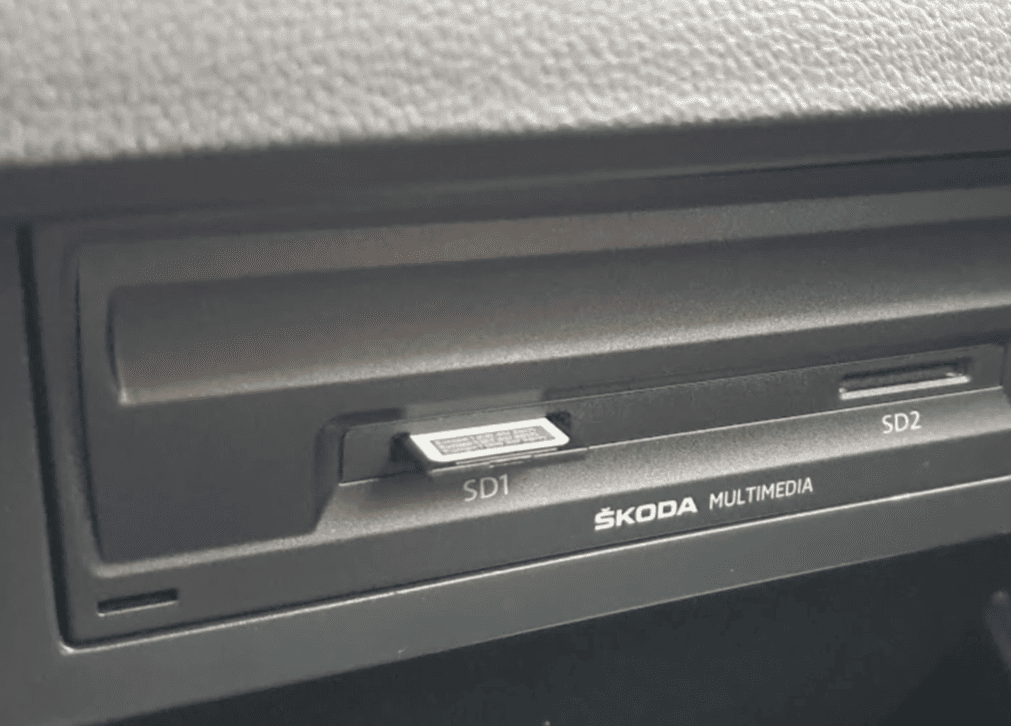
Check your vehicle’s system menu for available software updates. Manufacturers regularly release patches to improve performance. Also verify your map data is current through Wi-Fi or USB updates.
Preventative Maintenance for Dynamic Road Sign Displays
Establish a routine maintenance schedule. Regular windshield cleaning prevents dirt buildup that affects camera clarity. Avoid aftermarket treatments that might interfere with sensor operation.
Keep the area around the camera free from obstructions. During regular service intervals, ask technicians to verify system calibration. This proactive care helps prevent future issues.
When to Seek Professional Assistance
If problems persist after basic troubleshooting, professional help may be needed. Volkswagen specifically recommends contacting authorized dealers when errors continue. This is especially important after windshield replacement work.
One user reported their car required several days at the service center after screen replacement. The dealership provided a courtesy vehicle during repairs. Complex issues like camera recalibration require specialized equipment only professionals possess.
Consult your vehicle’s manual for model-specific guidance. Attempting complex repairs without proper training can void warranties. Professional assistance ensures safe, proper resolution.
Additional Considerations and Safety Measures
Driver assistance features can enhance safety, yet maintaining proper awareness remains the driver’s primary responsibility. These technologies serve as helpful aids rather than replacements for your judgment.
Observing System Limitations While Driving
The dynamic road sign recognition technology has important boundaries. It may not detect every traffic regulation in certain conditions.
Poor weather, obstructed views, or unusual lighting can affect performance. Temporary construction signs often confuse the system. Regional variations in signage may also cause delays or incorrect displays.
Always trust your direct observations over the car’s display. Actual traffic conditions take precedence over any automated information.
Avoiding Over-Reliance on Technology
Lane assist and similar features are designed to support, not replace, your attention. Becoming too dependent on these systems can reduce your vigilance.
Remember that you control the vehicle at all times. Adapt your speed and driving style to current road conditions. Weather, traffic patterns, and visibility should guide your decisions.
Familiarize yourself with how your car’s assist features typically behave. This helps you recognize when something isn’t working correctly.
Conclusion
Modern automotive technology brings incredible convenience, but also occasional technical challenges that need proper handling. This guide has covered the essential steps for addressing problems with your vehicle’s traffic recognition system.
Most drivers can resolve common issues by starting with simple solutions. Clean your windscreen thoroughly and check the camera area. Verify your infotainment system settings and update map data when needed.
Remember that these advanced features have limitations. They serve as helpful aids rather than replacements for your attention. Always observe actual traffic conditions as your primary guide.
If basic troubleshooting doesn’t fix the problem within a few days, seek professional service. Consult your vehicle’s manual for specific guidance. Use the system menu to access diagnostic information that can help technicians.
Thank you for taking the time to read this comprehensive guide. We hope it helps you quickly restore full functionality to your car’s valuable safety features for years to come.